No. 01Free · Featured
Running Track
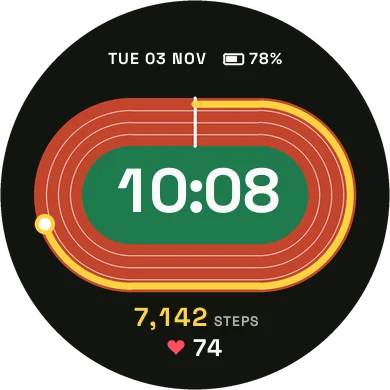
Your steps run a lap around a stadium track, from the start line to your goal.
StepsHeart rateBatteryTrack colors
 Splitface
Hand built Garmin watch faces with smooth type and colors you can make your own. Every one is free.
Hover a face to watch it move: steps fill the lap, the battery drains, the plane flies. Get it from Connect IQ for one tap installs and color settings, or download the file and copy it to your watch yourself.
Your steps run a lap around a stadium track, from the start line to your goal.
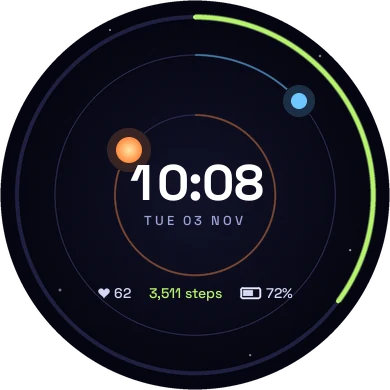
The hour sun and the minute planet orbit the center while the outer ring fills with steps.
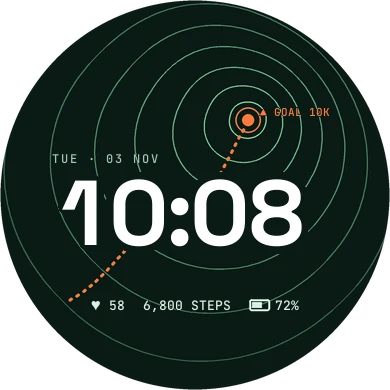
Contour lines climb to a goal marker that shows your daily step target.
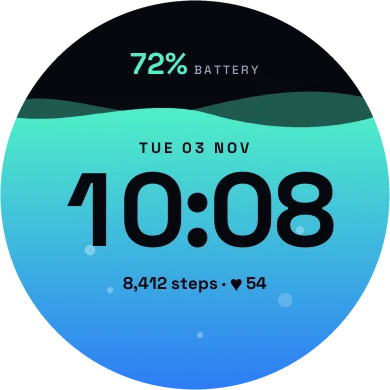
The screen fills with liquid up to your battery level, and the type changes tone at the waterline.
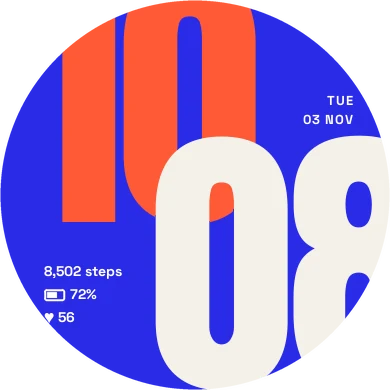
Giant cropped numerals, minutes laid over the hour, with the round screen doing the cropping.
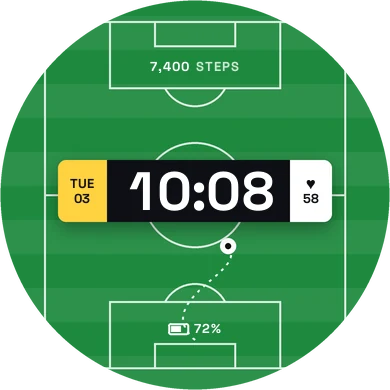
Kick off on a striped pitch with the time on the scoreboard.
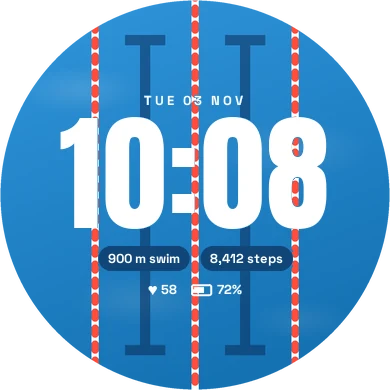
Lane ropes over sunlit water, with the distance of your latest swim.
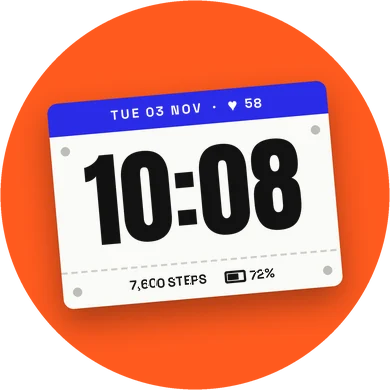
A paper race bib pinned at a tilt, with every number tilted along with it.
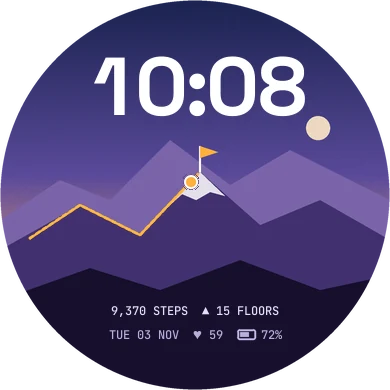
Your hiker climbs the trail as the day's steps add up, and plants the flag at your goal.
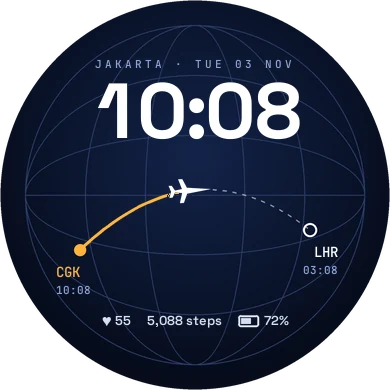
Home and destination times, with a plane flying the route as you walk.
The Connect IQ Store is the easiest: one tap, color settings, and updates when a face improves. Or download the file and copy it to your watch yourself.
Designed and built by  Wiryana, a software designer who thinks a watch face deserves the same care as any screen you design. More faces are on the way.