No. 01Free · Featured
Running Track
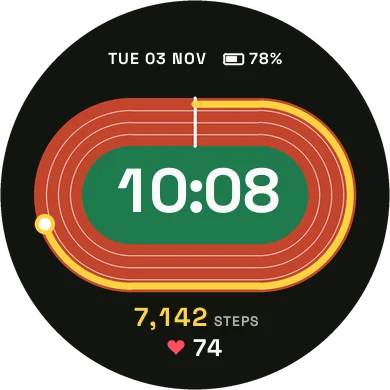
Your steps run a lap around a stadium track, from the start line to your goal.
StepsHeart rateBatteryTrack colors
 Splitface
Hand built Garmin watch faces with smooth type and colors you can make your own. Every one is free.
Hover a face to watch it move: steps fill the lap, the battery drains, the plane flies. Get it from Connect IQ for one tap installs, color settings and updates.
Your steps run a lap around a stadium track, from the start line to your goal.
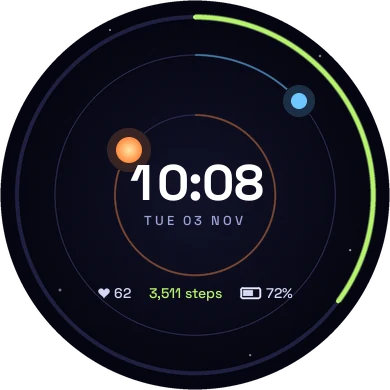
The hour sun and the minute planet orbit the center while the outer ring fills with steps.
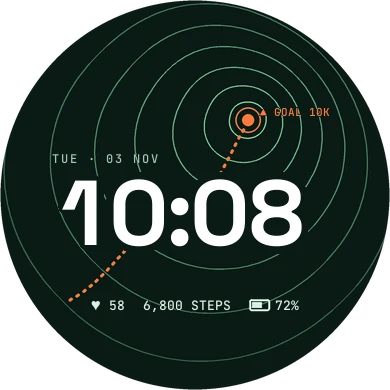
Contour lines climb to a goal marker that shows your daily step target.
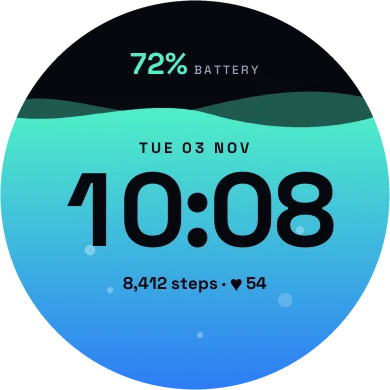
The screen fills with liquid up to your battery level, and the type changes tone at the waterline.
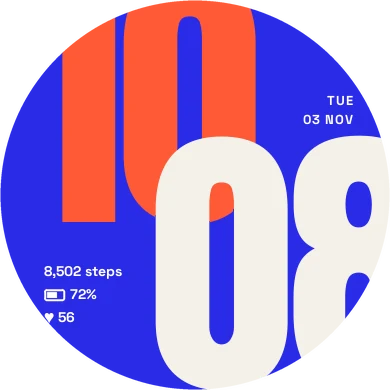
Giant cropped numerals, minutes laid over the hour, with the round screen doing the cropping.
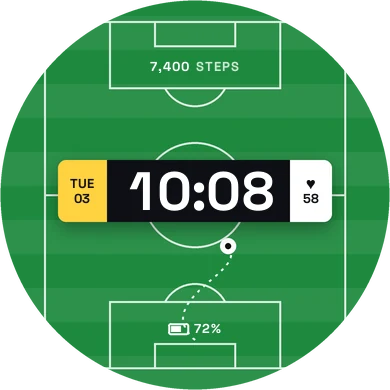
Kick off on a striped pitch with the time on the scoreboard.
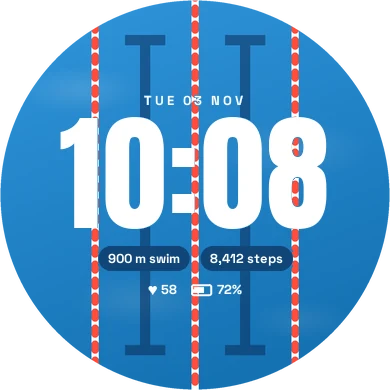
Lane ropes over sunlit water, with the distance of your latest swim.
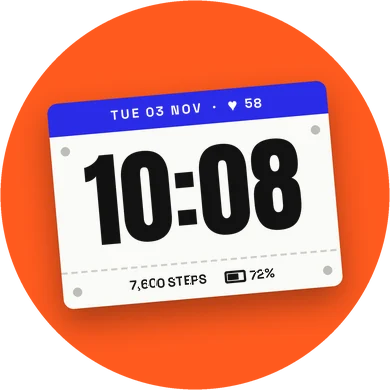
A paper race bib pinned at a tilt, with every number tilted along with it.
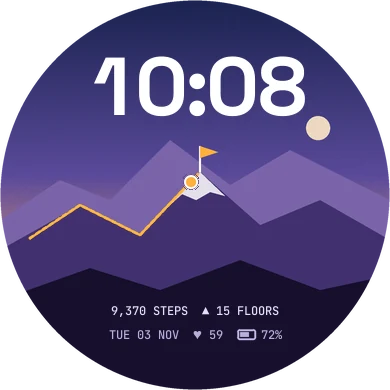
Your hiker climbs the trail as the day's steps add up, and plants the flag at your goal.
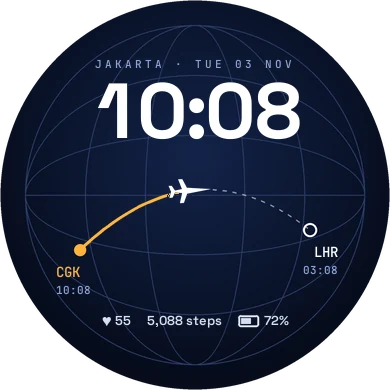
Home and destination times, with a plane flying the route as you walk.
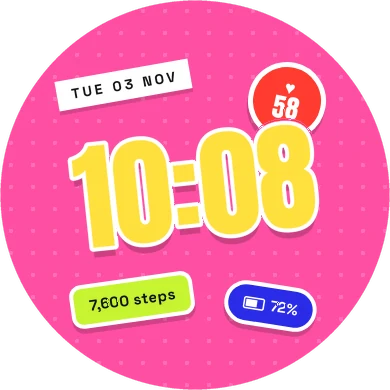
A giant yellow time slapped over a dotted ground, with every number on a sticker of its own.
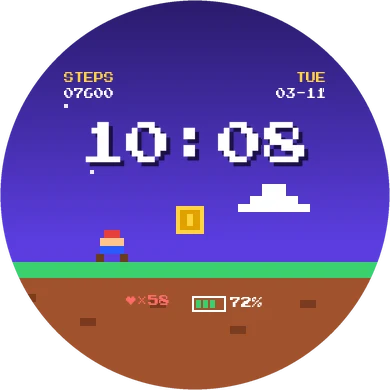
Your day as a retro platformer, with your steps as the score and your heart rate as lives.
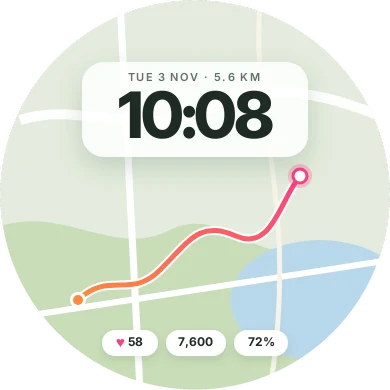
A trail map with the day's route and the distance you've covered on a frosted card.
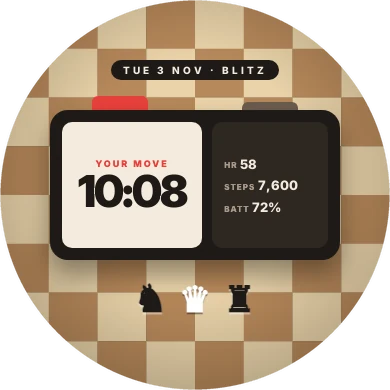
A blitz clock on a wooden board. It's your move, with the time on your side.
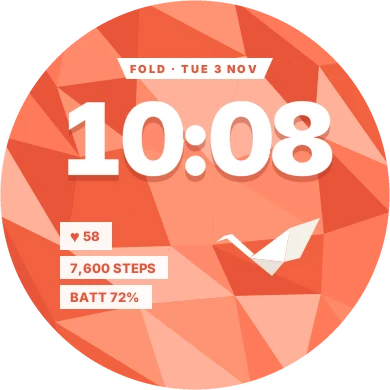
Folded low poly paper and a white crane, with a huge time casting its shadow across the folds.
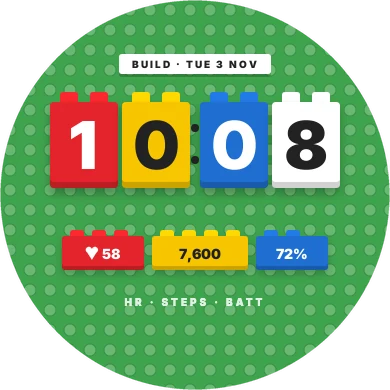
The time built one digit per brick on a studded baseplate.
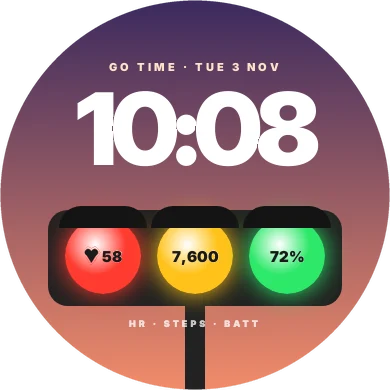
A city signal at sunset: heart rate in the red lamp, steps in the amber, battery in the green.
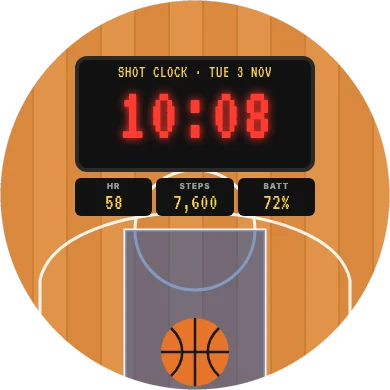
A courtside scoreboard over a wooden court, with the time in glowing red LEDs.
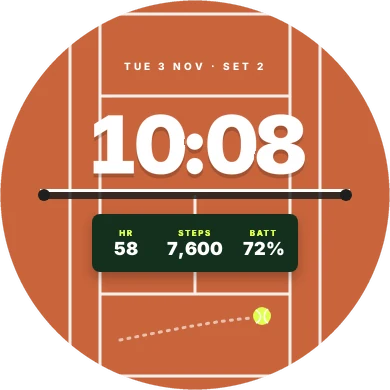
A court seen from above, with the time over the baseline and your stats on the score panel.
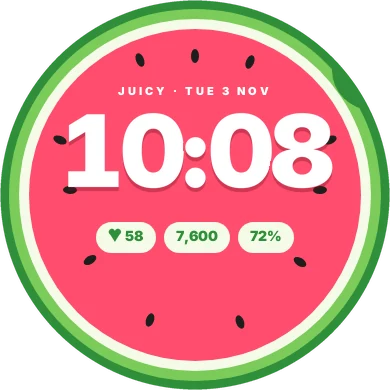
A juicy slice with a huge time and three cream pills that hug their numbers.
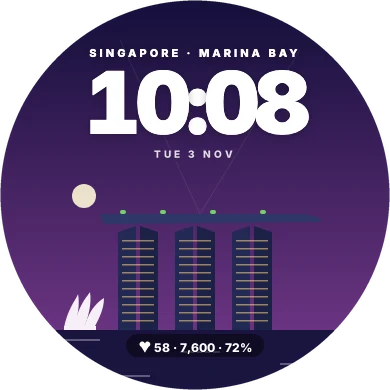
Marina Bay after dark, with light beams in the sky and your stats floating on the bay.
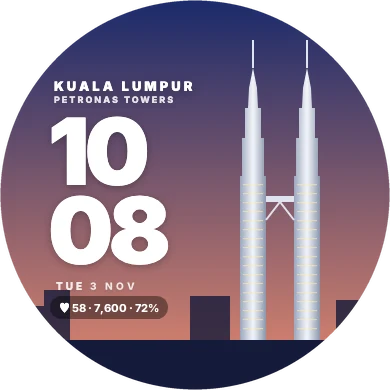
The twin towers and their skybridge against a dusk sky, the time beside them.
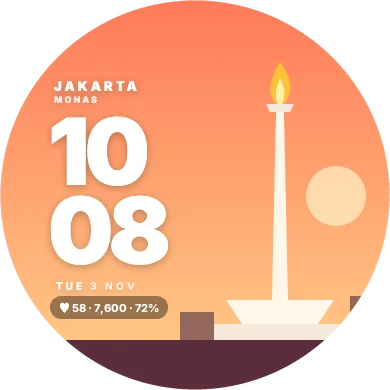
Monas and its golden flame against the evening sky, with the time in two big lines beside it.
Every face is on the Connect IQ Store, with color settings and updates whenever a face improves.
Designed and built by  Wiryana, a software designer who thinks a watch face deserves the same care as any screen you design. More faces are on the way.